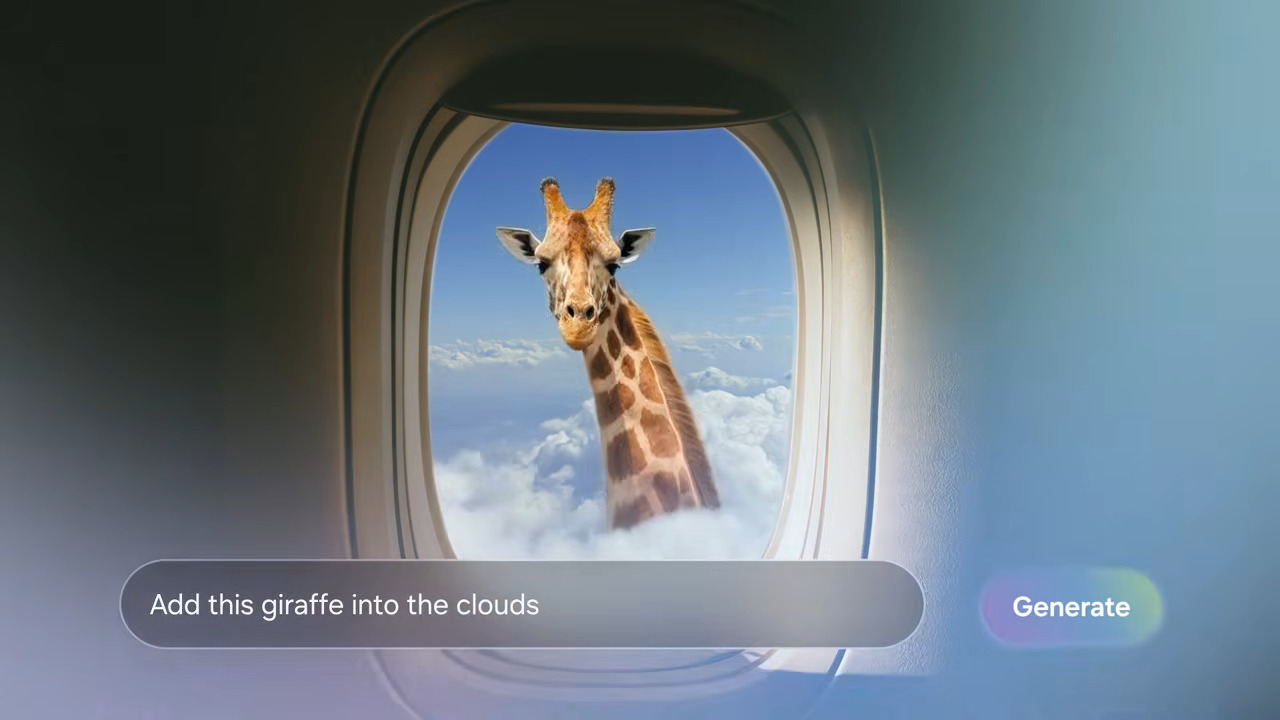
S26 Photo Assist
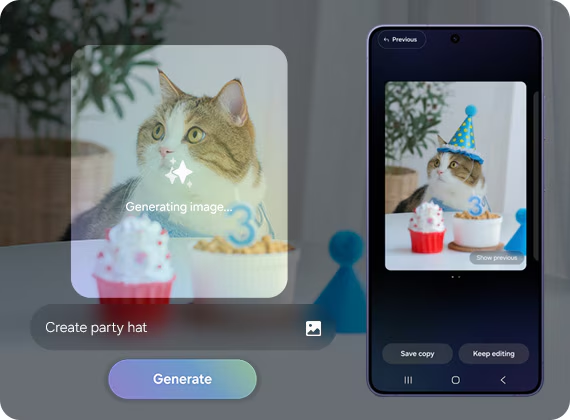
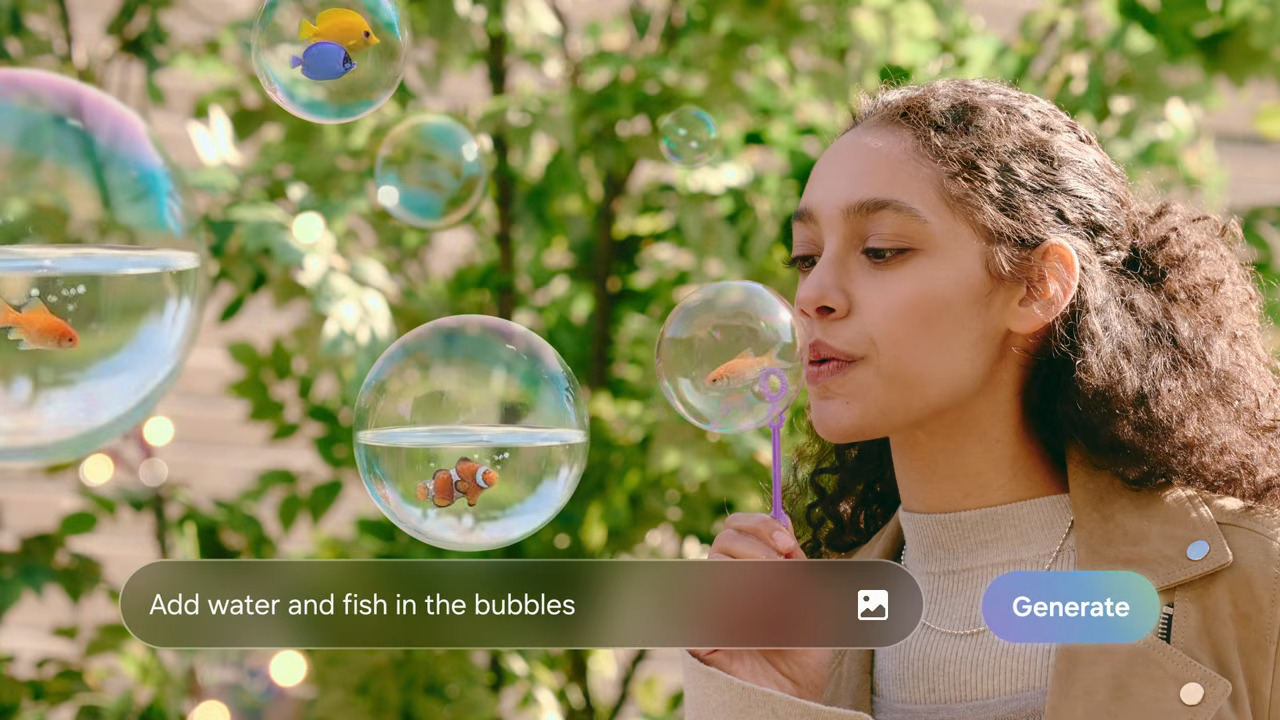
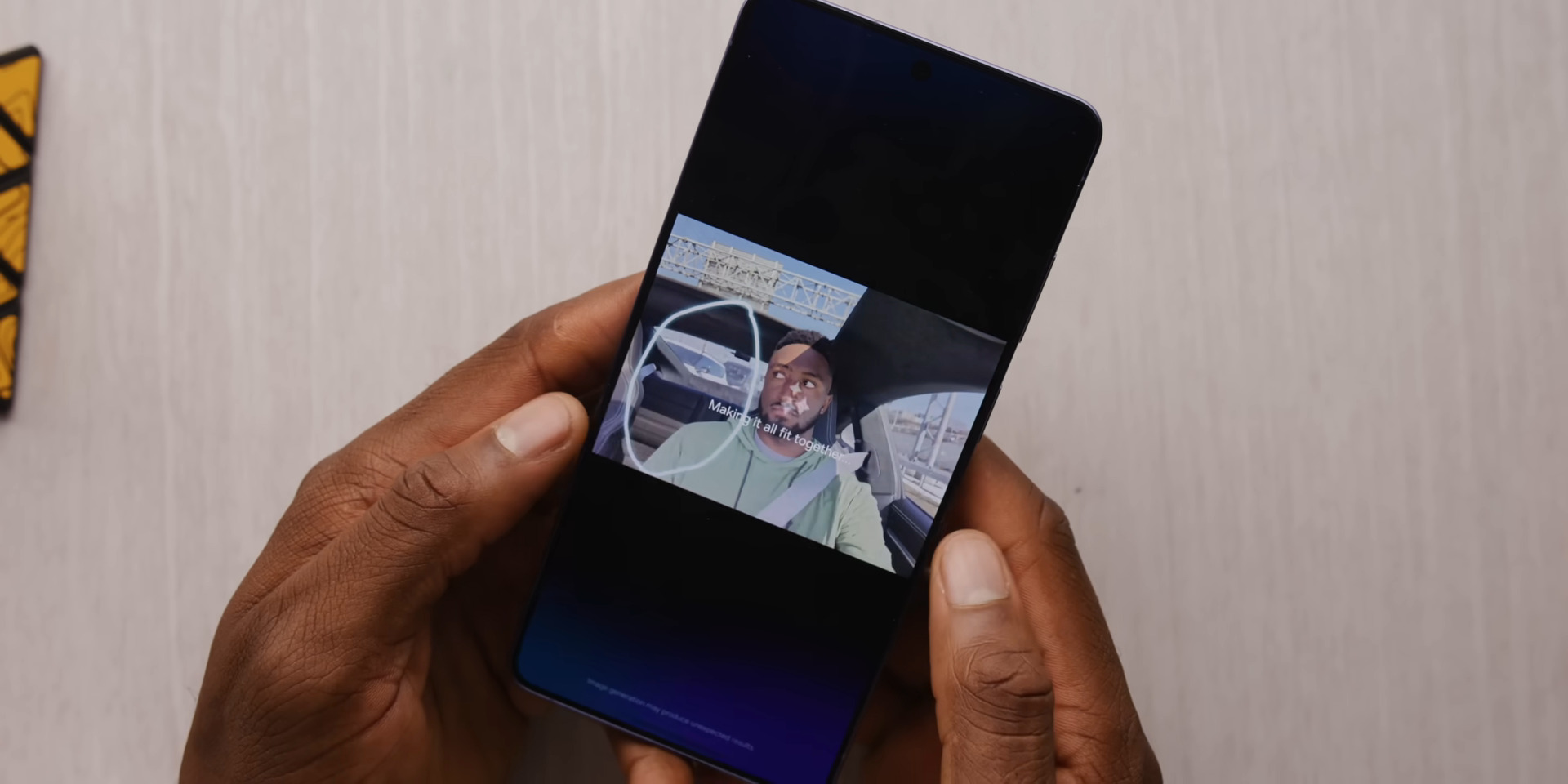
Text-Guided Generative Editing Experience
Project Goal
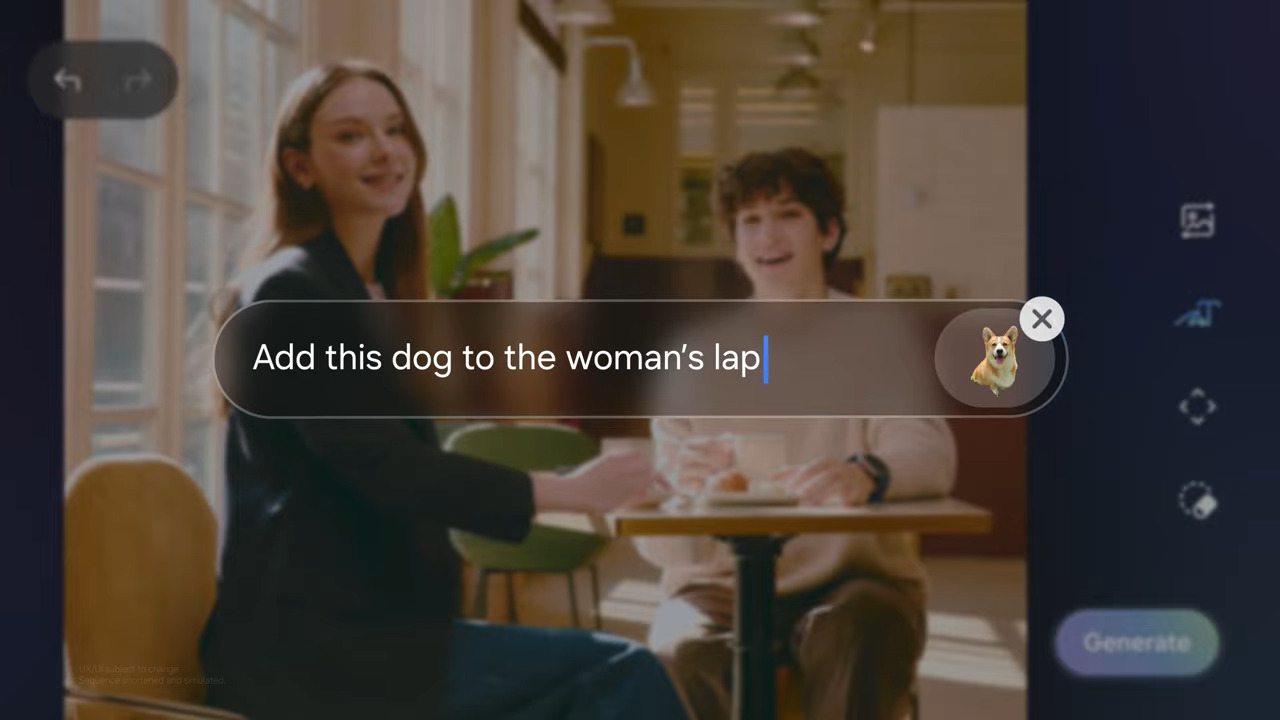
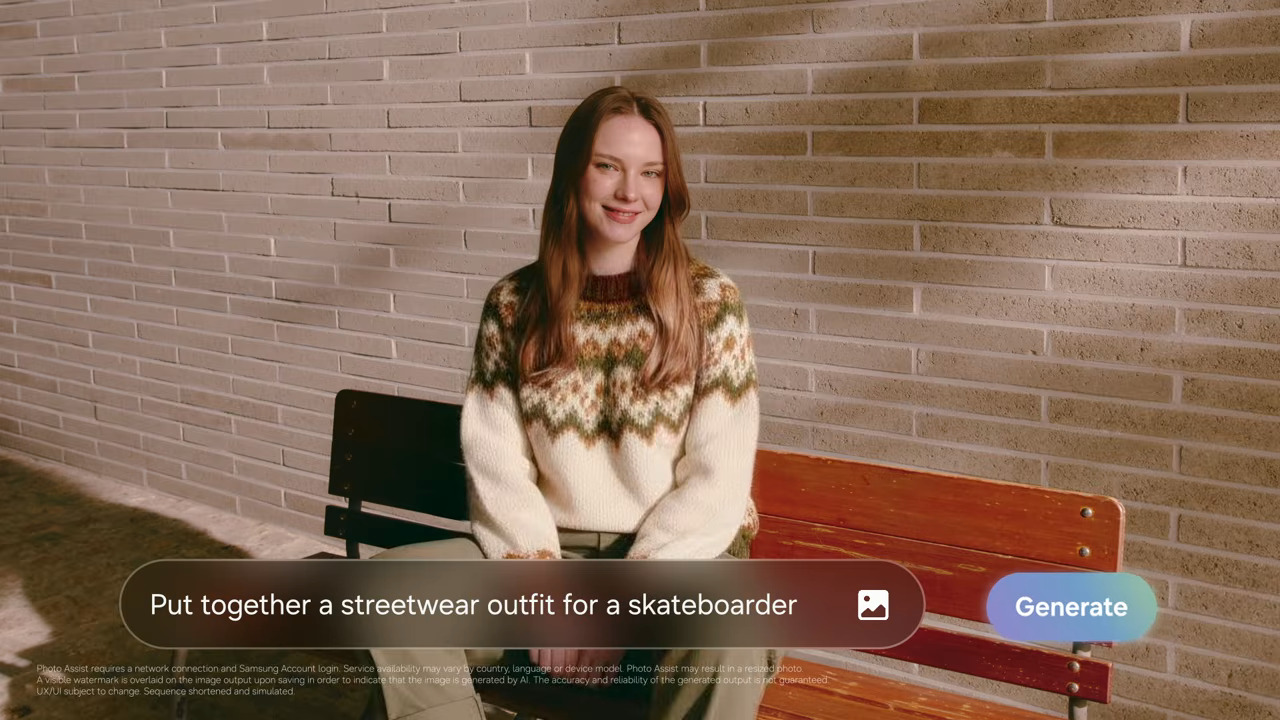
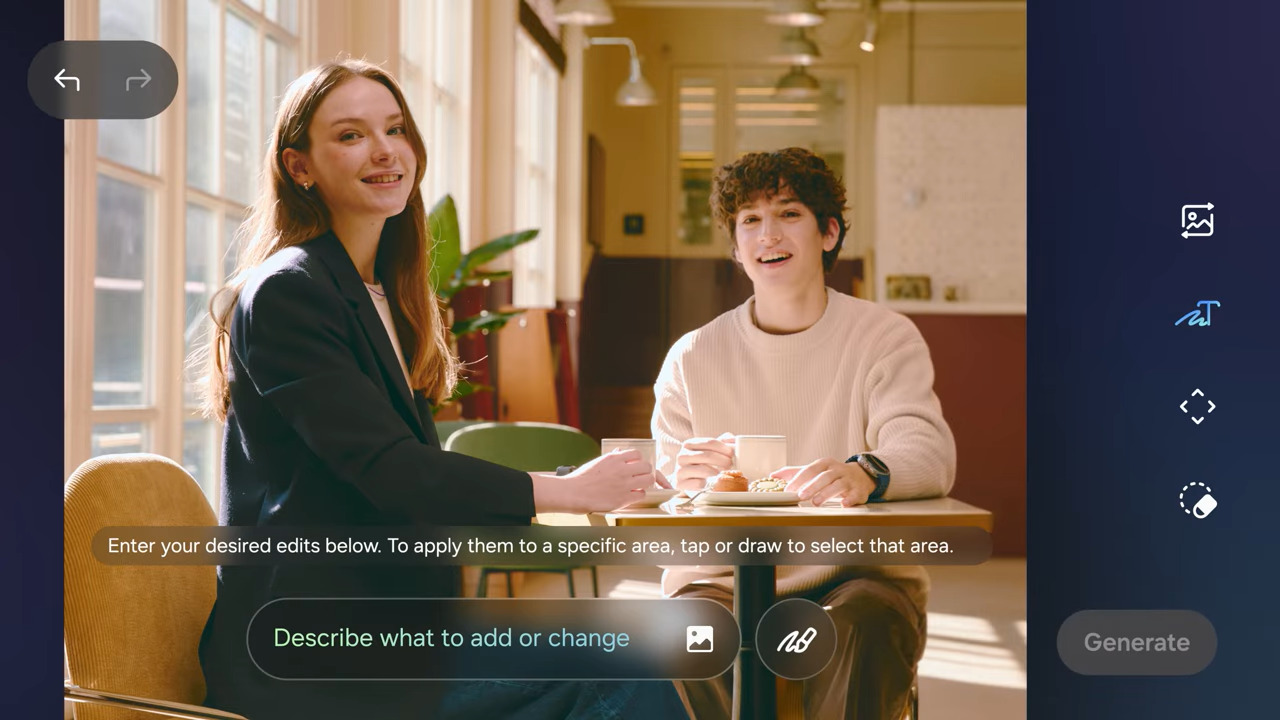
This project explored AI and Generative AI use cases to enhance Samsung’s Photo Editing experience. The goal was to identify experience gaps and design intuitive, creative tools that make editing simpler, smarter, and more enjoyable for Galaxy users.
Role
User Research, Conceptualisation, CUJ's, Wireframes, Testing, Dev handoff
Duration
9 months (2024-2025) l Core team : Bengaluru → Seoul
Impact
-
Market launch with Galaxy S26.
-
Features added to the next One UI 9 / 9.5 roadmap.
-
Positive consumer sentiment and strong virality among tech vloggers.
Problem
Despite powerful generative photo editing features like Photo Assist, Sketch to Image, and Portrait Studio, users still find the editing process time-consuming, complex, and intimidating.
Often, the generated results don’t align with user intent and feel more like guesswork.
Key Consumer VOC's

"I would love it more if Samsung adds an exclusive chat-based version of Galaxy AI. I’d settle for just a OneUI wrapper of ChatGPT app built into the device"
"I wish they give more options to choose from, or allowed the user to input their own adjectives."
"I can get to selecting the item I want to remove, but the Generative AI doesn't do what I wanted."


User Intention:
Add beach sand

User Intention:
Remove all bags from image
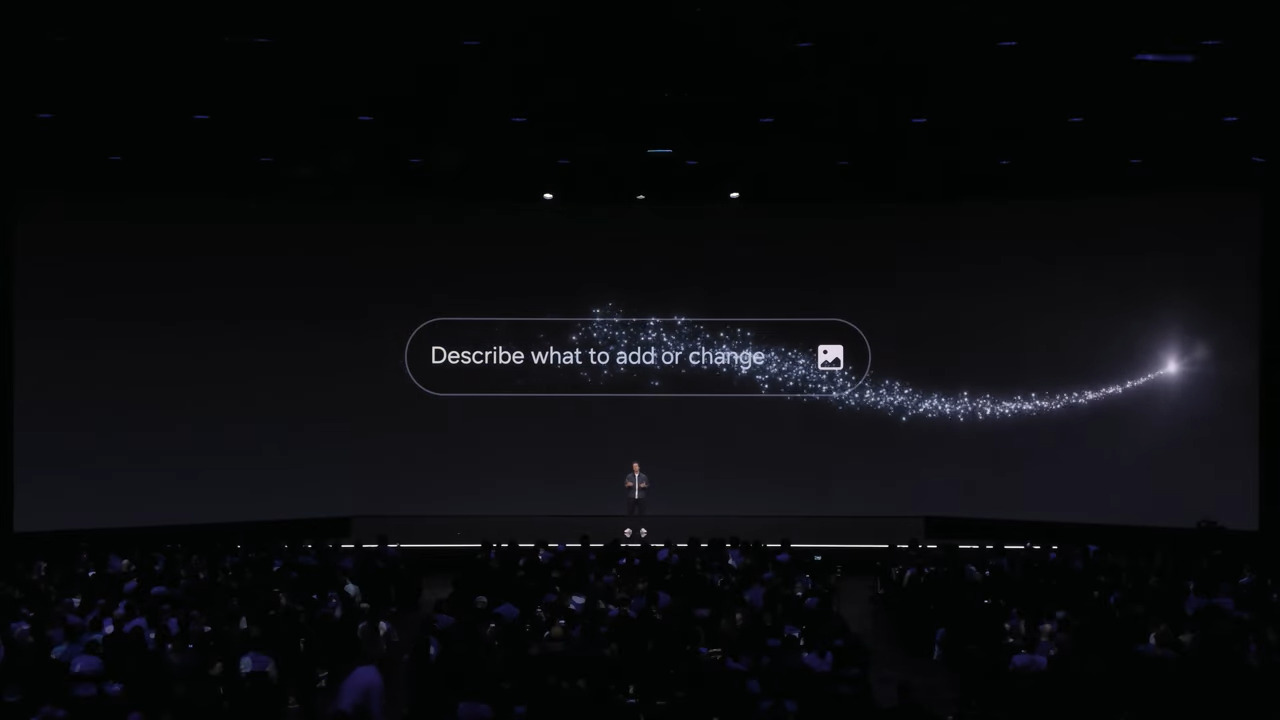
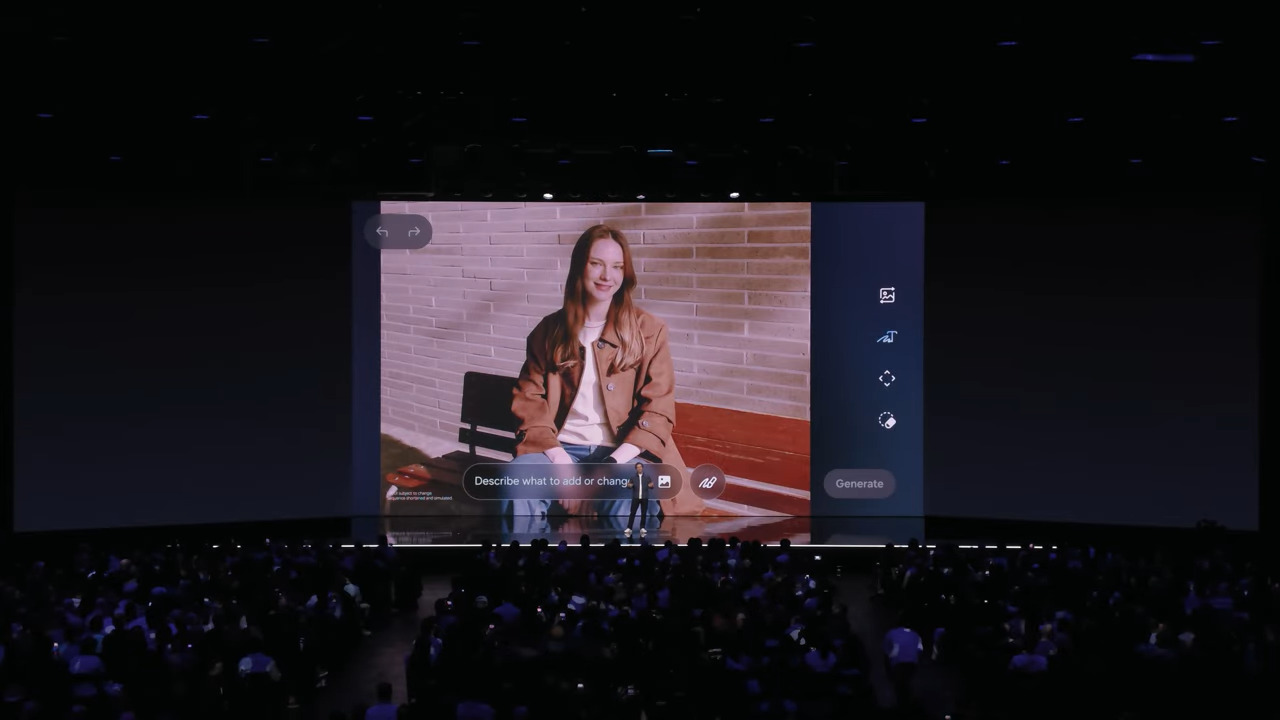
Official Replay | Galaxy Unpacked February 2026 | Samsung

3C Approach
Competitor Study
-
Benchmarked AI photo editing features across Google, Apple, and Android brands.
-
Studied GenAI innovations (OpenAI, Microsoft, Google) to identify Visual AI trends.
Consumer Study
-
Conducted VOC research and 40+ user interviews to understand editing needs and pain points.
-
Analyzed influencer reviews and community discussions on AI photo editing.
Company Study
-
Reviewed Samsung Photo Editor evolution and current Galaxy AI features.
-
Identified key company directions and strategic focus areas.


Key Insight & Design Direction
People think in intention, like “make this photo brighter” or “remove the people in the background, not in terms of sliders, or technical tools. The experience needed to match how users naturally describe edits.
Design Trade-Off's
Balanced AI assistance with user control
Avoided full automation to maintain user control. AI acts as an assistant, while users make the final decisions.
Guided starting points
Introduced upfront prompt suggestions to help users take the first step and reduce cognitive load.
Accessible multi-modal interactions
Enabled text, voice, and visual inputs to create a more inclusive editing experience across diverse user groups.